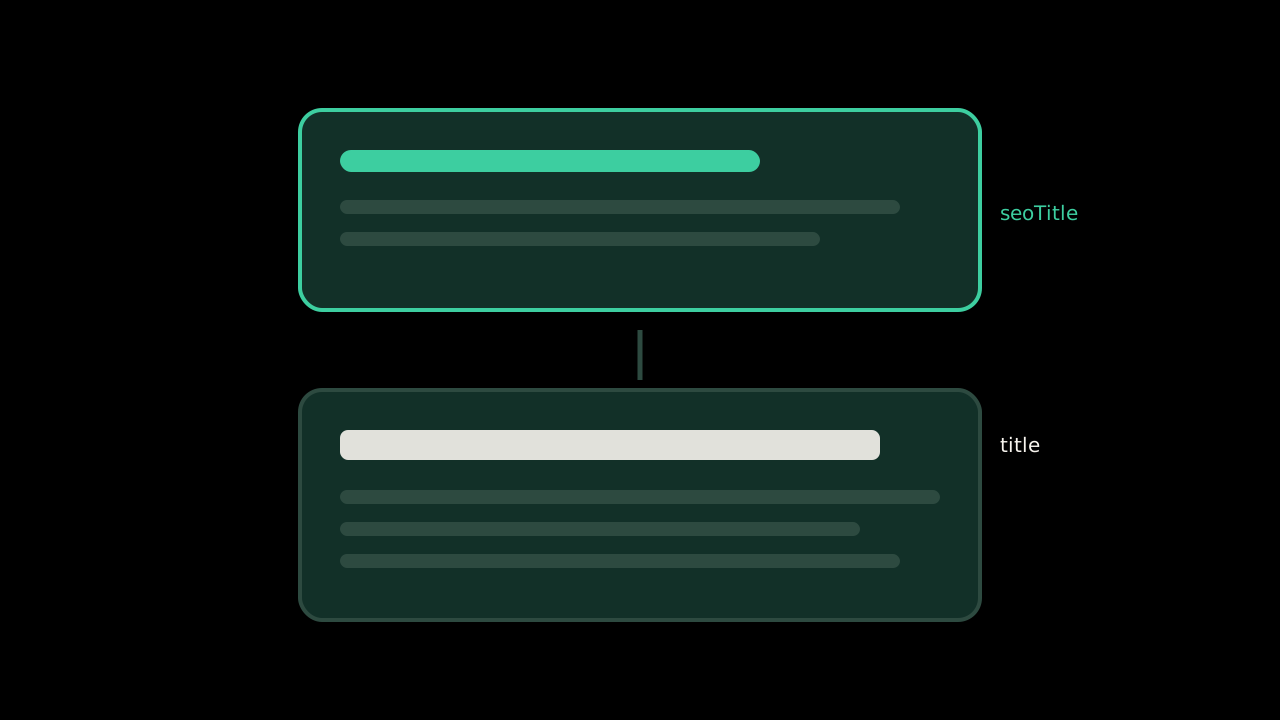
Every post on this site has a title and an optional seoTitle in its frontmatter. The page shows the first. The <title> element, the Open Graph title, and therefore the search result all get the second. The post about my blank environment variable is headlined “A Blank Environment Variable Broke My Vercel Build,” and its title element says “ERR_INVALID_URL Empty Input: Blank Env Var on Vercel.”
I did that because the headline tells the story and the search title has to contain the error. Google's title link documentation is the reason it works, and also the reason it could stop working.
Where Google gets the title
Google says title link generation is fully automated and draws on, roughly in this order:
- the
<title>element - the main visual title on the page
- heading elements, especially the
<h1> - the
og:titlemeta tag - other prominently styled text
- anchor text from links pointing at the page
WebSitestructured data
The title element is first, but it is a candidate, not a command. If Google decides a different source describes the page better, it uses that.
When it rewrites
The document lists the situations that trigger a rewrite. The ones I recognize:
Boilerplate and keyword stuffing. Its example is a title like “Foobar, foo bar, foobars, foo bars.” Google says that kind of stuffing “can make your results look spammy.”
Half-empty titles. A <title> that is just the site name, or just a category, gets filled in from the headings.
Obsolete titles. A title element that says 2024 on a page whose content says 2026 gets replaced by the visible text.
Inaccurate titles. A title that does not match what the page is about.
No clear main title. Several headings styled with equal weight, and Google may pick the first one it finds.
On length, there is no technical limit. Google truncates the title link to fit the device width. The under-60-characters rule in this site's README is not Google's rule. It is a practical one, so the words that matter do not get cut on a phone.
The way my setup can go wrong
Two titles means two candidates that Google can choose between. That is fine when they describe the same thing in different words. It is a problem the moment the seoTitle says something the page does not.
The failure would look like this: I write a headline about one lesson, then reach for a seoTitle that names a more searched error, and the post only mentions that error in passing. Google reads the page, sees the <h1> and the body agreeing with each other and disagreeing with the title element, and uses the headline. The seoTitle stops doing anything. Worse, the result now shows a title I did not optimize for the words people type.
So the rule I follow is that the seoTitle has to be a fair description of the page, not a better keyword. The README says to put the exact error or guideline text in the body, not only the title, and this is why. The body has to back the title element up.
What I keep doing
Distinct titles per page. Google specifically calls out sites that repeat boilerplate across pages. The brand goes at the end, after a separator, which is what the document suggests, and the layout template adds it so I never type it.
One visually dominant headline. The <h1> is the title, and nothing else on an article page is styled at that size.
And the seoTitle earns its place by being true, not by being searched.
Source: Google Search Central, “Influencing your title links in search results.”