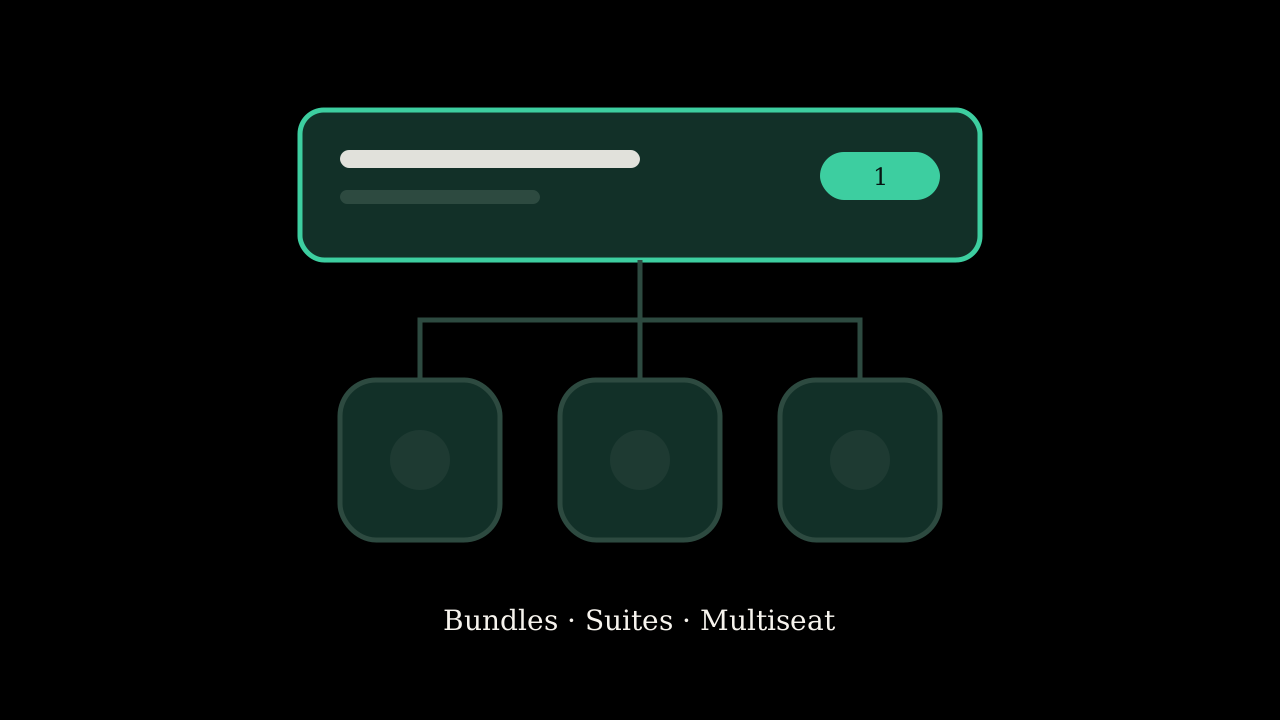
Apple published a note on September 16 titled “Get your subscriptions ready for iOS 27.” The title undersells it. There are three separate things in it, and one of them is already switched on in your App Store Connect account whether you read the note or not.
Bundles
A Bundle is one purchase that gives someone several auto-renewable subscriptions at a lower price than buying each. It can be subscriptions inside one app, across several apps from the same developer account, or across apps from up to five different developers.
The limits are concrete. Up to five subscriptions per Bundle. Every subscription in the Bundle has to have the same duration, so you cannot mix a monthly with an annual. If someone buys a Bundle that includes a subscription they already pay for, they are upgraded immediately and get a prorated refund for the rest of their standalone period. Subscribers can also cancel the Bundle but keep one or two of the pieces individually.
Multi-developer Bundles are the interesting new shape. Each developer submits an interest form, signs a legal addendum, and gives Apple their subscription details. Apple then configures and publishes Bundles in batches and notifies you when yours is live. So this is not a switch you flip. It is a program you apply to.
Suites
A Suite is a single subscription that unlocks content across up to fifteen apps from one developer. Apple's example is a productivity company selling writing, spreadsheet, and presentation tools as one subscription instead of three.
During purchase the App Store shows every app in the Suite so people can download the rest right away. If you have two apps that share a backend and a login, this is the version of “one subscription for everything” that Apple builds for you instead of you building it with server-side entitlement checks.
Multiseat purchasing, which is already on
This is the one to act on this week.
Multiseat purchasing lets one buyer purchase several seats of a subscription. It comes in two forms. Volume Purchasing is for organizations on Apple Business Manager or Apple School Manager, who buy seats through a single In-App Purchase and assign them through their device management provider. It launches October 22. Group Purchases lets a regular subscriber buy multiple seats and invite people, with Apple handling the invitations and seat assignment. That one arrives in winter.
Multiseat is enabled by default in App Store Connect. You can turn it off, or turn it off only for the App Store while leaving it on for Business and School Manager. But the default is on, so if your pricing assumes one Apple ID per subscription, go look at what you are offering before someone buys ten seats of a plan you priced for one.
What all three need from your code
StoreKit 2. Apple states it plainly for Bundles and Suites, and the multiseat note says the same. If you are still on the original StoreKit APIs, or on a Flutter plugin that wraps them, this is the point where that debt comes due. The features do not exist below StoreKit 2.
They also need iOS 27, iPadOS 27, macOS 27, or tvOS 27 as the purchasing device. Your app can still support older versions, but the Bundle and Suite purchase flow only runs on the new ones.
Why I care about the paywall side
Most of the subscription work I have had to fix was not about new features. It was a paywall Apple rejected because it could not be closed and StoreKit returning zero products because an agreement was unsigned. None of that changes here. If your products do not load today, a Bundle will not load either.
What does change is the surface area of a paywall. A Bundle purchase shows apps you do not control on your purchase sheet. A Suite shows all of yours. Both are new things that reviewers can see and that users can misunderstand. When these ship I expect a new family of rejection reasons, and I would rather read about them here than in Resolution Center.
Before iOS 27 ships
- Open App Store Connect and find the multiseat setting on each auto-renewable subscription. Decide, do not default.
- Check whether you are on StoreKit 2. If not, that is the migration to schedule.
- If you have more than one app with a subscription, read the Bundles and Suites page and decide whether one purchase across them is a product you want. Then submit the request form, because Apple is doing this in batches and the queue has already started.
Sources: Apple Developer News, “Get your subscriptions ready for iOS 27,” September 16, 2026. Apple Developer, “Subscription Bundles and Suites.”