Google Discover is the feed on the Google app and under the search bar on Android. It shows people things they did not search for, based on their activity. For a site like this one, with a few dozen posts, it is not a traffic plan. But it is a channel that costs nothing to be eligible for, and I discovered I was not quite eligible.
Eligibility, in Google's words
No special tags or structured data are required. Note that being eligible to appear in Discover is not a guarantee of appearing.
If a page is indexed and follows Discover's content policies, it is eligible. That is it. The rest of the document is about what makes a page more likely to be shown.
The image rules
This is where my site falls short. Google's recommendations for Discover images:
- At least 1200 pixels wide.
- More than 300,000 pixels in total, which 1200 by 675 clears easily.
- 16:9 works best.
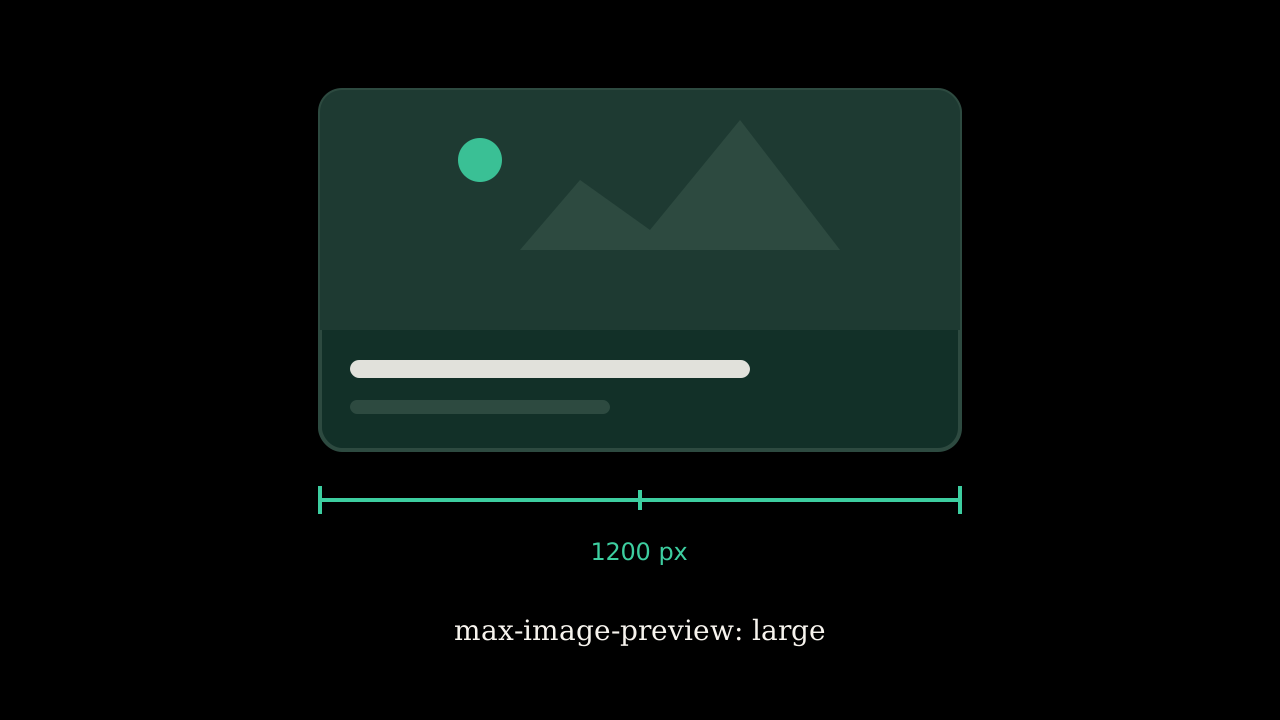
- The page must allow large previews, either through AMP or the
max-image-preview:largerobots setting. - Not a logo, not a generic stock image, not an image full of text.
Every article cover on this site is an SVG at 1280 by 720. That is 16:9 and wide enough on paper. But Google's image systems want a raster, and the site already knows this: the Open Graph code checks whether a cover is a raster file, and when it is an SVG, falls back to a generated PNG. That fallback is 1200 by 630, which is wide enough but not 16:9, and it is the same design on every post. That is close to the “generic image” Google tells you to avoid.
And the site does not send max-image-preview:large at all. The robots metadata says index and follow, and nothing about preview size. Without that directive, Google may show only a small thumbnail, or none.
The two changes
First, the robots metadata gets max-image-preview: large. That is a one-line change in the layout and it is the one thing on this list Google says is required rather than recommended.
Second, covers get a raster export. The SVGs stay, because they are the source and they are tiny. But each post also needs a PNG at 1200 or wider in 16:9, and the Open Graph image should point at that instead of the shared fallback. The cover script that generates the SVGs is the right place to produce the PNGs too.
I have not done either yet. The first is a one-line change and goes in next. The second touches every post and I want to do it once.
Why Google says not to count on it
The document is blunt about this channel:
Traffic from Discover is less predictable or dependable when compared to keyword-driven search visits.
It fluctuates with people's interests, with what you publish, and with Discover's own updates. There was one this year: the February 2026 Discover update, which ran from February 5 to February 26. Three weeks is longer than either core update. If your Discover traffic changed in February, that is why, and it is not something you did.
What the content side asks for
Titles that capture the essence of the page rather than tease it. No clickbait, no withholding, no outrage. Timely or genuinely insightful content does better. Google specifically warns against manipulating appeal “by catering to morbid curiosity, titillation, or outrage.”
That lines up with how I already write titles, which I explained in why every post here has two titles. The headline says what happened. It does not ask you to click to find out.
Where to see it
Search Console has a separate Discover performance report, with impressions, clicks, and click-through rate over sixteen months, once a site clears a minimum threshold. As of this month there is also a generative AI report for Discover, alongside the one for Search. I do not expect mine to show anything until the image fix lands, and probably for a while after.
Sources: Google Search Central, “Google Discover and your website.” Google Search Status Dashboard, February 2026 Discover update.