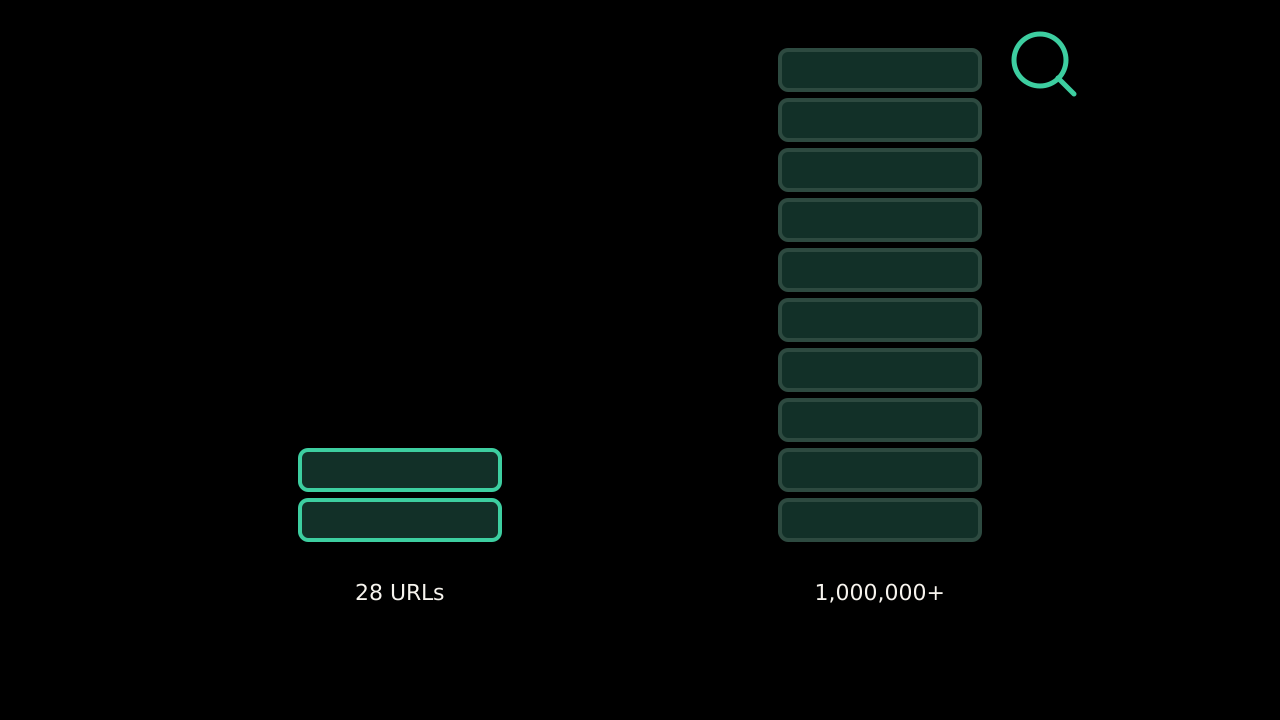
Crawl budget is one of those phrases that sounds like it applies to everyone. It comes up in audits of ten-page sites. It comes up in tool reports as a red warning. Google's own document on it opens by telling most readers to leave.
Who Google says should care
The guide is titled for large sites and it means it. The three cases it lists:
- Large sites, meaning a million or more unique pages, whose content changes moderately often, about once a week.
- Medium or larger sites, ten thousand or more unique pages, whose content changes very rapidly, daily.
- Sites where a large share of URLs sit in Search Console as “Discovered, currently not indexed.”
If you are not in one of those, the document says your pages are probably crawled the same day they are published and you can stop reading. This site has twenty-eight URLs in its sitemap. I stopped reading, then went back for the definitions, because the definitions are useful even when the problem is not yours.
What it actually is
Crawl budget is two limits multiplied together.
Crawl capacity limit is how hard Googlebot is willing to hit your server. It goes up when your server responds fast and healthy, and down when it returns errors or slows.
Crawl demand is how much Google wants to crawl you, driven by site size, how often things change, page quality, and how relevant the URLs seem.
A slow server lowers the first. A pile of low-value URLs dilutes the second. On a large site those two interact into a real constraint. On a small site there is nothing to constrain.
What wastes it, on the sites where it matters
The list is worth knowing because the same things are bad hygiene at any size:
- Duplicate URLs, faceted navigation, session parameters. Every variant is a fetch spent on nothing new.
- Soft 404s: pages that say “not found” with a 200 status, so Googlebot keeps coming back.
- Redirect chains. Each hop is a request.
- Slow pages. Directly reduces the capacity limit.
- Using
noindexwhererobots.txtwould do. Google still has to fetch anoindexpage to see the tag. On a huge site, that is a lot of fetches to learn nothing.
That last one has a mirror image at small scale that matters more: using robots.txt where you meant noindex. Blocked pages cannot be read, so Google cannot see the tag that would remove them, and they can linger in results as URL-only entries. For a small site that is the mistake to avoid, and it is the opposite of the crawl budget advice.
What a small site should look at instead
Google's sentence for the rest of us: keeping your sitemap up to date and checking the Page indexing report regularly is adequate.
The Page indexing report is where a small site's real crawling problems show up, and they are not budget problems. They are a page you thought was live sitting at “Crawled, currently not indexed,” or a canonical Google chose that is not the one you sent. Those are worth a look each week. I wrote about what the sitemap should and should not carry in my sitemap sets priority and changefreq.
When to read the crawl budget guide again
When the sitemap has more URLs than the Page indexing report shows indexed, by a margin that does not close in a couple of weeks. Until then it is a document about someone else's site.
Source: Google Search Central, “Large site owner's guide to managing your crawl budget.”